
You have no items in your shopping cart.
Course Details
Course Details
What You'll Learn
Topic 1. Overview of WordPress CMS
Overview of Wordpress Content Management System
WordPress Block Editor
Manage Posts
Manage Pages
Manage Media
Topic 2. Manage MultiMedia Content on WordPress
Manage Categories
Manage Tags
Manage Menu
Topic 3. Manage Site Appearance
Configure WordPress Site Setting
Manage WordPress Plugins
Manage Wordpress Widgets
Topic 4. Maintain WordPress Web Design
Manage WordPress Themes
Theme Customizer
Manage Site Appearance using CSS
Course Info
Promotion Code
Your will get 10% discount voucher for 2nd course onwards if you write us a Google review.
Minimum Entry Requirement
Knowledge and Skills
- Able to operate using computer functions
- Minimum 3 GCE ‘O’ Levels Passes including English or WPL Level 5 (Average of Reading, Listening, Speaking & Writing Scores)
Attitude
- Positive Learning Attitude
- Enthusiastic Learner
Experience
- Minimum of 1 year of working experience.
Target Age Group: 18-65 years old
Minimum Software/Hardware Requirement
Software:
TBD
Hardware: Window or Mac Laptops
Job Roles
Job Roles
- Web Designer
- Web Developer
- Content Manager
- Digital Marketer
- Blogging Strategist
- SEO Specialist
- E-commerce Manager
- Brand Manager
- Web Content Specialist
- Social Media Manager
- UX/UI Designer
- Freelance Writer (seeking a web platform)
- Digital Project Manager
- Graphic Designer (web-focused)
- Affiliate Marketer
Trainers
Trainers
Patrick Foo is a ACTA certified trainer. In 2010, Patrick earned his Advanced Search Engine Marketing Certification from Search Engine Academy, USA, and started Business Online Centre, a one-stop solution business for SMEs looking for online presence. Services range from domain registration, hosting, web design, Internet (SEO/SEM) and Facebook marketing. He has been conducting website design classes (public and corporate) since 2011, using popular open-source platforms like Joomla
Prior to his online career, Patrick, with his UK Accountancy and Computer Science qualifications, worked as an accountant, business solutions consultant/manager and professional services manager (PSM), specialising in Enterprise Resource Planning [ERP], Customer Relationship Management [CRM] and Business Intelligence [BI].
Janice Ong is a ACLP certified trainer. Janice is a dynamic and results focused leader with global experience. She has over 20 years of business development, sales, marketing, strategy, digital marketing, eCommerce, training experience. She is Assertive Protagonist. Extraverted, Intuitive, Charismatic Leader.She early pioneer in e-Commerce, Website Development, Digital Marketing, CMS Content Management System with over 20 years of experience since her 1st job after graduation. She has great leadership, management and communication skills. She has an agile mind, able to handle complex problems, find solution and deliver outstanding results.
James Lee Kin Nam is a ACTA certified trainer. James has more than 20 years of progressive training experience in both corporate enterprises and educational institutes. He is certified by Adobe as an Adobe Certified Expert, Instructor and Web Specialist. He holds an Advanced Certificate in Learning and Performance (ACLP Certified Trainer / Assessor) in adult training. He is also an MOE Registered Instructor. Graduated in the area of Computer Studies and Multimedia Development, he specializes in graphics, animation and web technologies.
He was a former Adjunct Lecturer for Singapore Polytechnic, Web Developer for Nanyang Technological University (NTU) and Social Media & Content Specialist for Equinet Academy. He is currently an External Consultant & Training Associate at Boston Consulting Group.
He has guided many users in the usage of Adobe applications and website development to achieve greater heights in their career advancement. With his knowledge and experiences, James has the ability to explain and simplify complex concepts. He will be able to make positive contributions to your learning journey.
Felicia Kang is a ACTA certified trainer. Felicia is a urban farmer maintaining a few EGC's edible gardens, namely Wheelock Place rooftop garden, Raffles City rooftop garden, garden at Open Farm Community and EGC retail outlet at HortPark. Her daily work involved watering, pruning and checking on plants. She had to tend to the nursery from saving and growing seeds, to propagating stems and transplanting plants. She also needs to take regular measures such as pest control, application of fertilizers and soil amendments to ensure those edible plants were sustainable for weekly harvesting. All these might seem trivial but they were vital to ensure healthy soil and happy plants. On adhoc basis, she maintained clients' edible gardens and assisted in setting up foodscape projects. With her farming experience, she was tasked to support the education arm of EGC in planning and coordinating with schools and EGC trainers for schools' gardening workshops and projects.
She said that "Farming or gardening is more than just growing plants, it hones our observation skill, trains our patience and resilience, and improves our physical and mental health. Last but not least, it lets us enjoy and share our labour of love."
Review
Customer Reviews (37)
- will recommend Review by Course Participant/Trainee
-
. (Posted on 2/2/2020)1. Do you find the course meet your expectation? 2. Do you find the trainer knowledgeable in this subject? 3. How do you find the training environment - might recommend Review by Course Participant/Trainee
-
. (Posted on 2/2/2020)1. Do you find the course meet your expectation? 2. Do you find the trainer knowledgeable in this subject? 3. How do you find the training environment - will recommend Review by Course Participant/Trainee
-
No refreshment. (Posted on 2/2/2020)1. Do you find the course meet your expectation? 2. Do you find the trainer knowledgeable in this subject? 3. How do you find the training environment - will recommend Review by Course Participant/Trainee
-
. (Posted on 12/11/2019)1. Do you find the course meet your expectation? 2. Do you find the trainer knowledgeable in this subject? 3. How do you find the training environment - Might Consider Review by Course Participant/Trainee
-
More hands on aspect, building a website from scratch using WordPress (Posted on 11/13/2019)1. Do you find the course meet your expectation? 2. Do you find the trainer knowledgeable in this subject? 3. How do you find the training environment
Write Your Own Review
- Recommended Courses
WSQ - Generative AI for Search Engine Optimization (SEO)
$750.00 (GST-exclusive)
$817.50
(GST-inclusive)
CASL - Cyber Security Awareness Course for Personal and Businesses
$350.00 (GST-exclusive)
$381.50
(GST-inclusive)


CASL - Business Innovation with Artificial Intelligence
$350.00 (GST-exclusive)
$381.50
(GST-inclusive)
CASL - Business Innovation with Internet-of-Things (IoT)
$350.00 (GST-exclusive)
$381.50
(GST-inclusive)
WSQ - Unlocking Business Potential with Strategic Negotiation Tactics
$750.00 (GST-exclusive)
$817.50
(GST-inclusive)
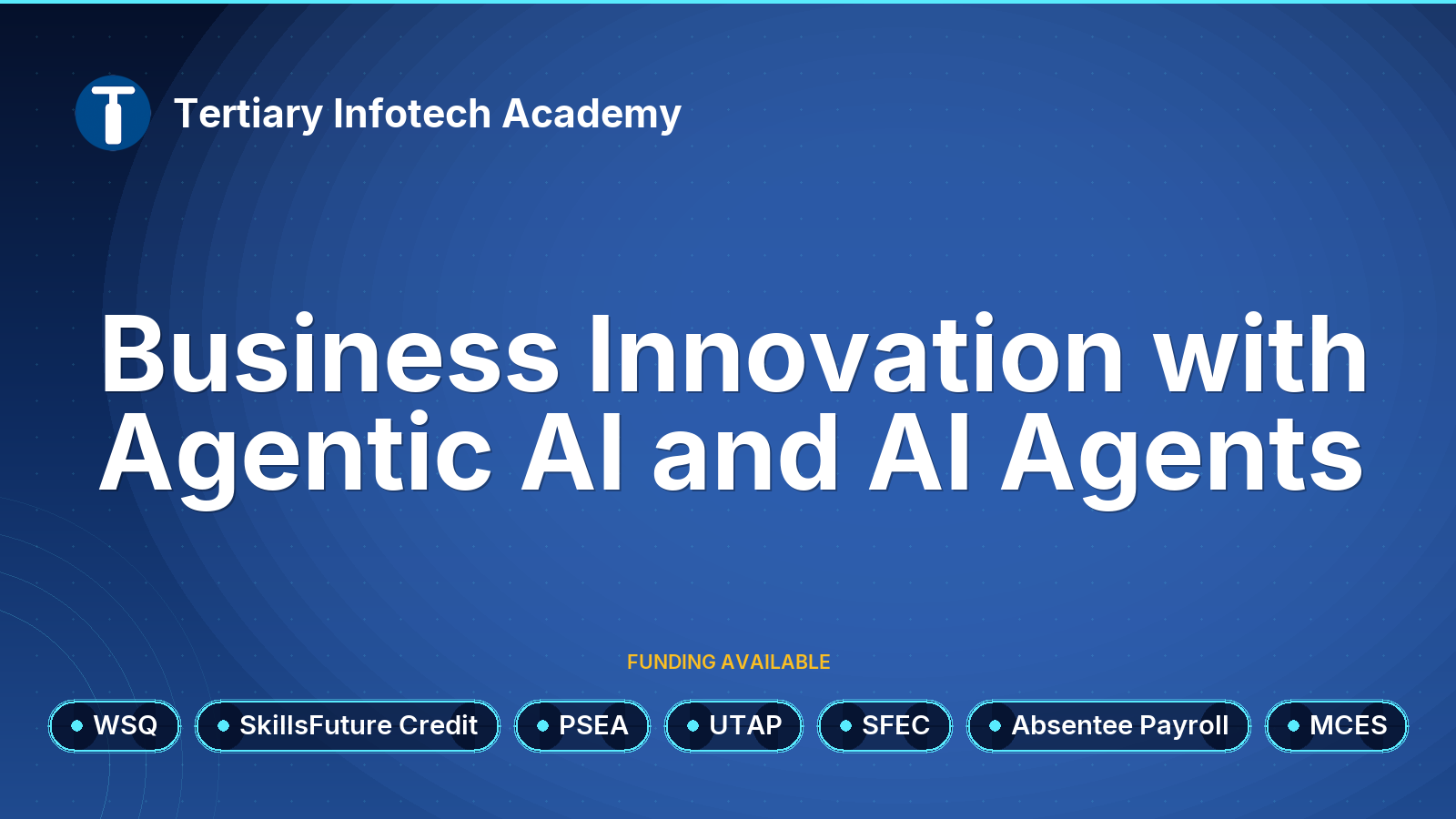
WSQ - Business Innovation with Agentic AI and AI Agents
$800.00 (GST-exclusive)
$872.00
(GST-inclusive)
