
You have no items in your shopping cart.
Software Training

Your next professional breakthrough can begin with one skill you can put to work. Explore Software Training at Tertiary Courses Singapore and turn a broad ambition to upskill into a practical learning plan that supports your everyday work. Designed for working adults, career changers and teams planning their next capability upgrade, this collection gives you a starting point for choosing training around the work you actually want to do. Make your goal specific: a better deliverable, a clearer decision or a task you can handle with greater confidence.
Start your shortlist with the courses listed here, including Excel Power Query and Power Pivot and Business Process Automation with Power Automate and Copilot Studio Agents. Use these options to explore digital productivity, technical foundations, business communication and applied problem solving, then compare the individual outlines to find the right scope and level. You do not need to master every topic at once. Choose one priority, build a sound foundation and extend your learning when you are ready for the next challenge.
Give your learning plan a head start: write down one task you want to perform more confidently, the tools you already use and the skill gap holding you back. Bring that brief to your course selection or enquiry so the discussion can focus on a useful outcome. Consider how you will practise afterwards, what a good result looks like and who should review it. For teams, align the learning goal with a shared workflow and agree how colleagues will apply the new skills together.
Ready to take the next step? Browse the course outlines, check prerequisites, schedules and fees, and shortlist the training that fits your goals. Contact our team with your role, current experience and preferred outcome for help choosing a course or discussing a team training enquiry. Discuss your training goals on WhatsApp. Start with one relevant capability and build a learning pathway you can act on. Share your intended use case with us so we can discuss a practical starting point and a suitable next step.
-
Photoshop Fundamentals for Beginners
Photoshop Fundamentals for Beginners introduces you to Adobe Photoshop, the industry-standard software for editing photos and creating digital images. Whether you want to retouch portraits, create social media graphics, design marketing materials or simply improve your photos, Photoshop gives you powerful tools to bring your ideas to life. This course is designed for complete beginners, marketers, small business owne....$350.00 (GST-exclusive)$381.50 (GST-inclusive)before funding and GST
-
Generative AI for Adobe Photoshop
Generative AI for Adobe Photoshop teaches you how to use Adobe Firefly and the generative AI features built into Photoshop to create, edit and enhance images in a fraction of the usual time. Features such as Generative Fill, Generative Expand and text-to-image let you add or remove objects, extend backgrounds and produce original visuals from a simple text prompt. The course is designed for designers, marketers, phot....$350.00 (GST-exclusive)$381.50 (GST-inclusive)before funding and GST
-
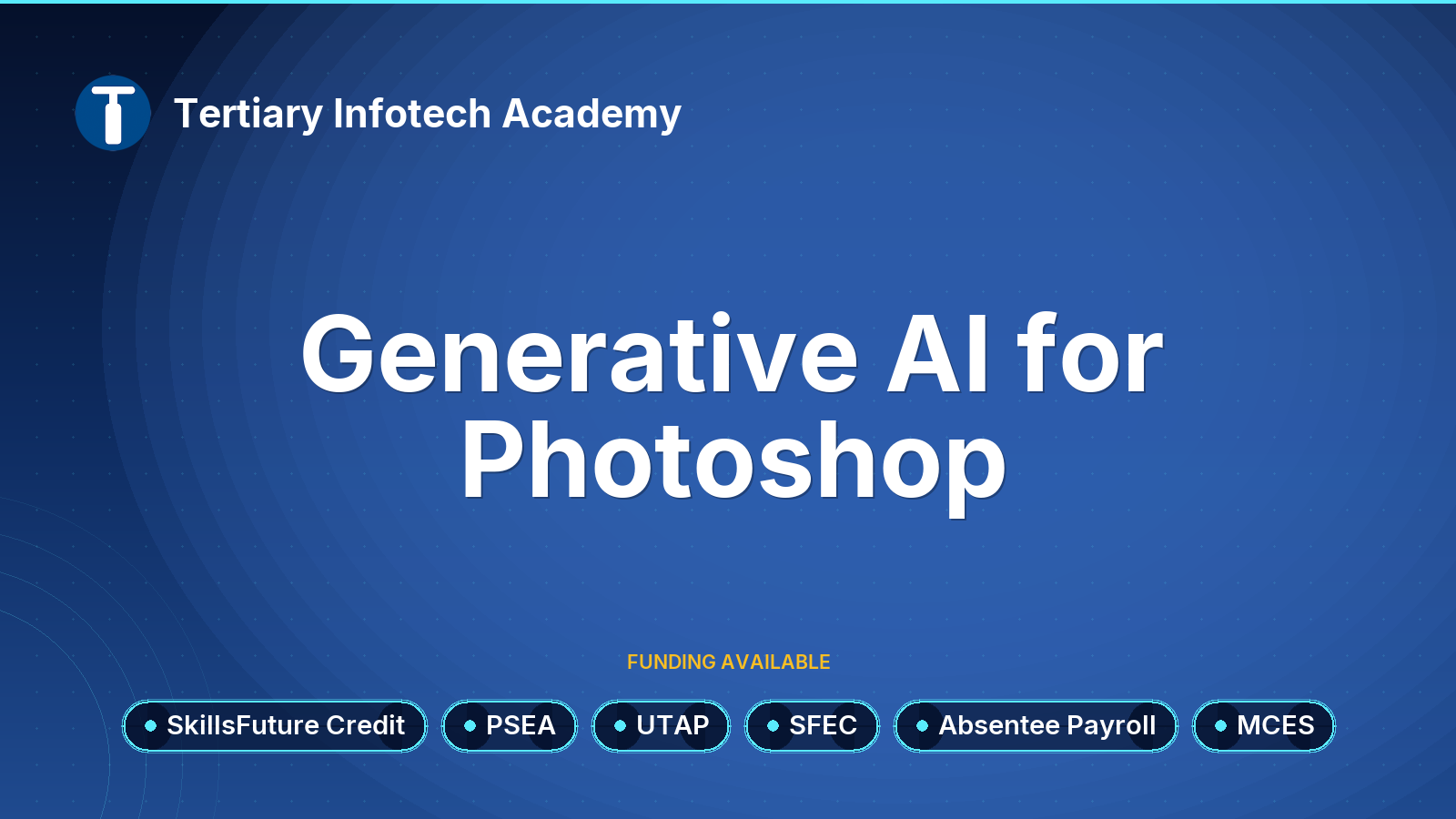
WSQ - Generative AI for Photoshop
- WSQ
- SFC
- PSEA
- UTAP
- SFEC
- Absentee Payroll
- MCES
This course equips participants with practical skills to use Generative AI (GenAI) with Adobe Photoshop and Adobe Firefly to create, edit, and enhance professional visual content. Learners will explore the fundamentals of generative AI for image creation and develop effective prompting techniques to generate visuals that meet specific design and communication objectives.Participants will learn to use Adobe Firefly to....$900.00 (GST-exclusive)$981.00 (GST-inclusive)before funding and GST
-
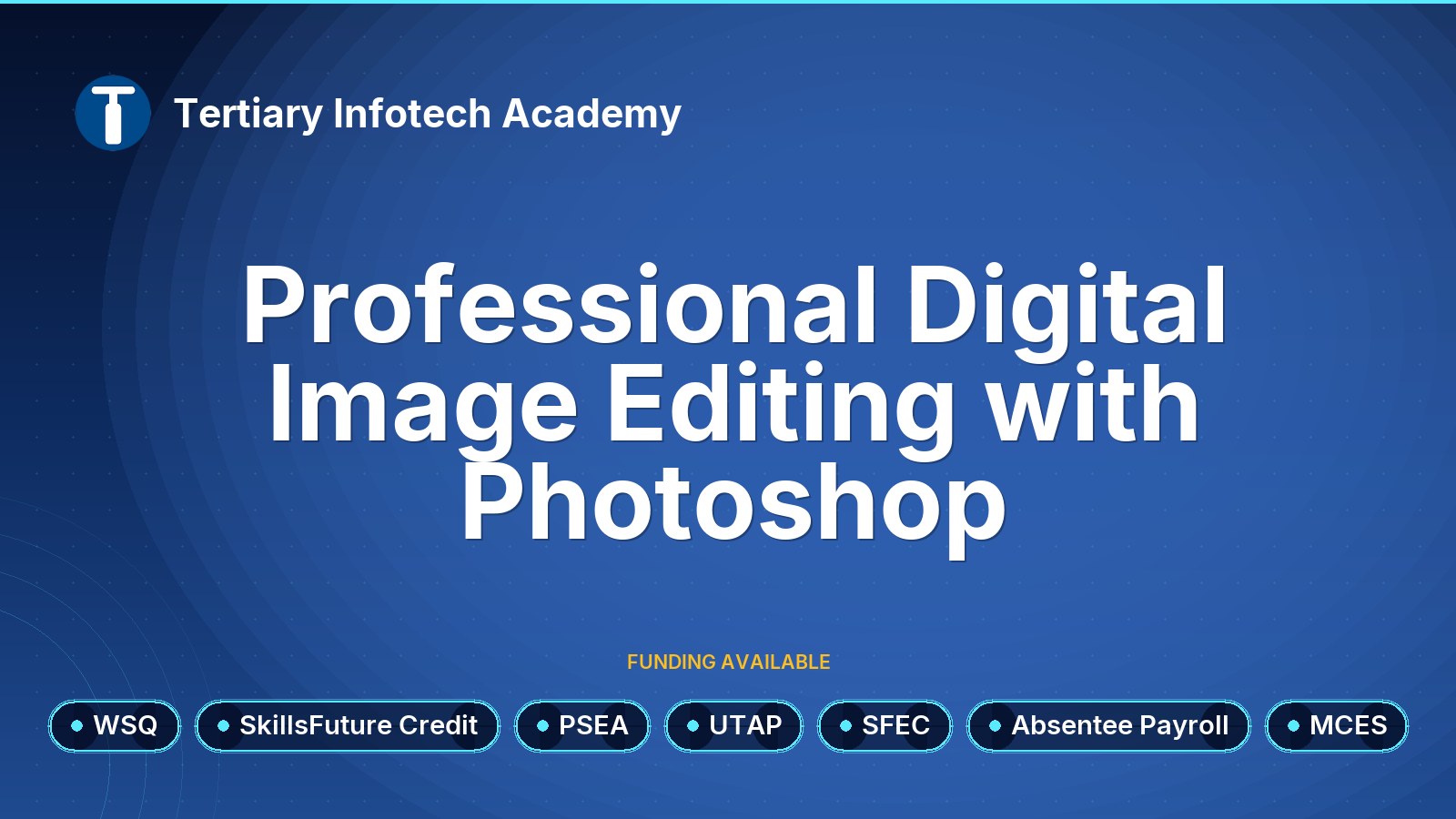
WSQ - Professional Digital Image Editing with Photoshop
- WSQ
- SFC
- PSEA
- UTAP
- SFEC
- Absentee Payroll
- MCES
Embark on a creative journey with WSQ's Digital Image Production with Photoshop course. Gain expertise in the most sought-after image editing tools, from the fundamentals to advanced techniques. The course covers essential Photoshop features such as layers, filters, color adjustments, and photo manipulation, equipping you with the skills to excel in the field of graphic design. The course adopts a practical approach....$690.00 (GST-exclusive)$752.10 (GST-inclusive)before funding and GST
