
You have no items in your shopping cart.
Course Details
Course Details
What You'll Learn
Topic 1: Microsoft Copilot and AI Agents for Recruitment and Interviewing
Topic 2: Microsoft Copilot for Employee Onboarding and HR Policy Management
Topic 3: Microsoft Copilot for Talent Development, Leave and Employee Benefits
Topic 4: Microsoft Copilot Studio for HR Workflow Automation and Employee Offboarding
Course Info
Minimum Entry Requirement
Knowledge and Skills
- Able to operate using computer functions
- Minimum 3 GCE ‘O’ Levels Passes including English or WPL Level 5 (Average of Reading, Listening, Speaking & Writing Scores)
Attitude
- Positive Learning Attitude
- Enthusiastic Learner
Experience
- Minimum of 1 year of working experience.
Target Age Group: 18-65 years old
Minimum Software/Hardware Requirement
Software:
You will need the following for this course:
- Microsoft 365 Copilot – a training account will be provided
Hardware: Windows PC or Mac laptop
Job Roles
Job Roles
- HR Technology Specialist
- AI-Powered Recruitment Coordinator
- HR Data Analyst
- Employee Experience Manager
- Talent Acquisition Specialist using AI
- HR Digital Transformation Consultant
- Organizational Development Specialist with AI Insights
- HR Process Automation Expert
- Workforce Analytics Manager
- AI Integration Project Manager in HR
- Employee Relations Specialist with AI Tools
- Performance Management Analyst using AI
- Learning and Development Coordinator with AI Integration
- AI-Enhanced Payroll Administrator
- HRIS (Human Resources Information System) Analyst
- Diversity and Inclusion Officer using AI Analysis
- Employee Retention Strategist with AI
- Compensation and Benefits Analyst using AI
- Corporate Culture Advisor with AI Insights
- HR Strategic Planner with AI Implementation
Trainers
Trainers
James Lee Kin Nam is a ACTA certified trainer. James has more than 20 years of progressive training experience in both corporate enterprises and educational institutes. He is certified by Adobe as an Adobe Certified Expert, Instructor and Web Specialist. He holds an Advanced Certificate in Learning and Performance (ACLP Certified Trainer / Assessor) in adult training. He is also an MOE Registered Instructor. Graduated in the area of Computer Studies and Multimedia Development, he specializes in graphics, animation and web technologies.
He was a former Adjunct Lecturer for Singapore Polytechnic, Web Developer for Nanyang Technological University (NTU) and Social Media & Content Specialist for Equinet Academy. He is currently an External Consultant & Training Associate at Boston Consulting Group.
He has guided many users in the usage of Adobe applications and website development to achieve greater heights in their career advancement. With his knowledge and experiences, James has the ability to explain and simplify complex concepts. He will be able to make positive contributions to your learning journey.
Dr Alvin Ang is a ACTA certified trainer. Alvin Ang did his Ph.D., Masters and Bachelors from NTU, Singapore. Previously he was a Principal Consultant (Data Science) as well as an Assistant Professor. He was also 8 years SUSS adjunct lecturer. His focus and interest is in the area of real world data science. Though an operational researcher by study, his passion for practical applications outweigh his academic background. He owns a startup externally
Allen Wong is a ACTA certified trainer. He is also a seasoned digital marketing strategist, He brings over eight years of experience across diverse industries - e-commerce, events, FMCG, real estate, and finance. 300% career-wide ROAS, peaking at 1000% in events, he has generated $2M in e-commerce revenue and over $5M in sales. An AI enthusiast and industry pioneer, Allen's innovative approach to data-driven marketing drives high-impact, cost-effective results.
Review
Customer Reviews (3)
- will recommend Review by Course Participant/Trainee
-
. (Posted on 9/19/2024)1. Do you find the course meet your expectation? 2. Do you find the trainer knowledgeable in this subject? 3. How do you find the training environment - will recommend Review by Course Participant/Trainee
-
. (Posted on 8/27/2024)1. Do you find the course meet your expectation? 2. Do you find the trainer knowledgeable in this subject? 3. How do you find the training environment - will recommend Review by Course Participant/Trainee
-
. (Posted on 8/27/2024)1. Do you find the course meet your expectation? 2. Do you find the trainer knowledgeable in this subject? 3. How do you find the training environment
Write Your Own Review
- Recommended Courses
- Related Courses
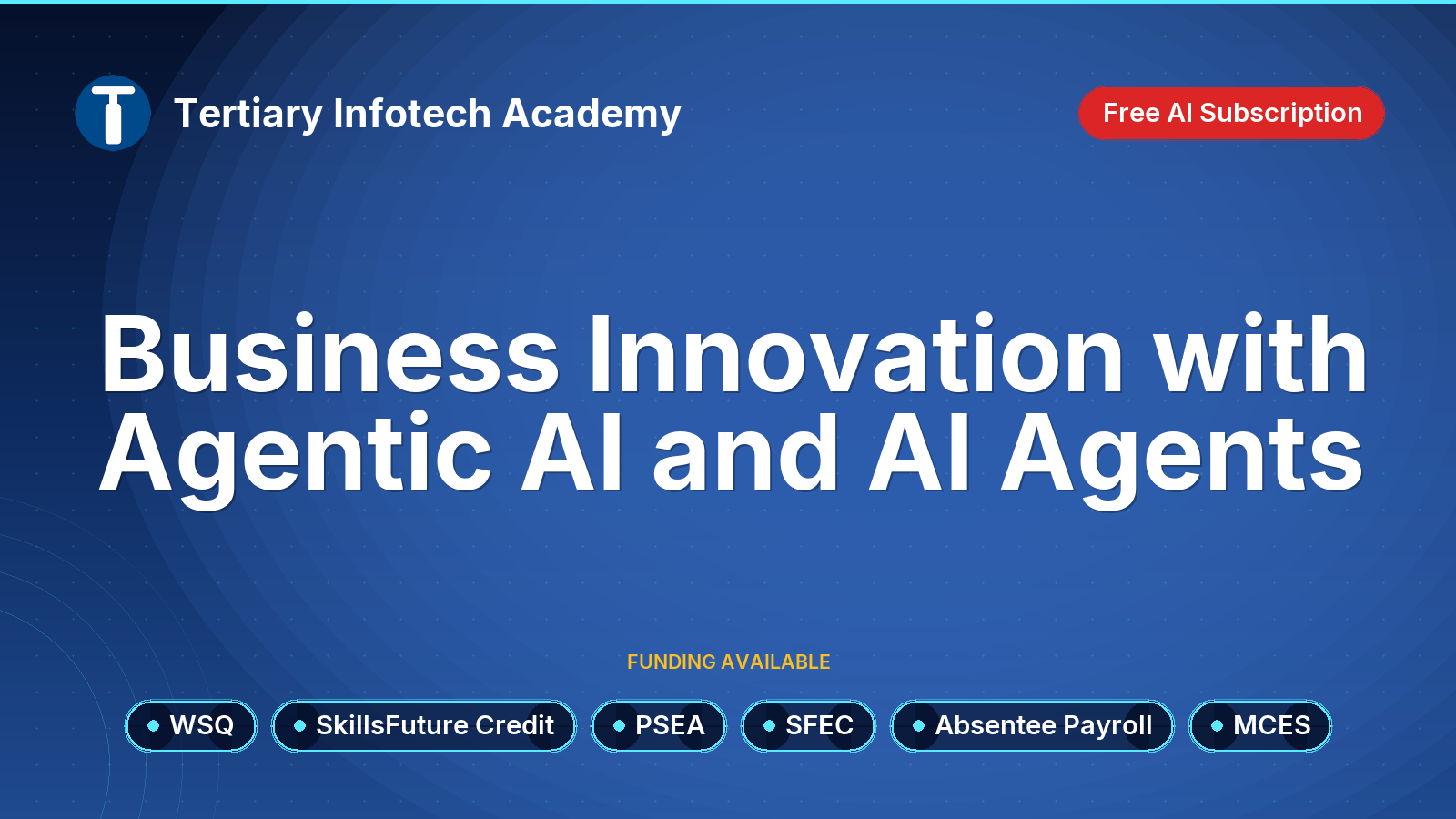
WSQ - Business Innovation with Agentic AI and AI Agents
$800.00 (GST-exclusive)
$872.00
(GST-inclusive)
Check items to add to the cart or select all
