
You have no items in your shopping cart.
Course Details
Course Details
What You'll Learn
Topic 1: Content Strategy for Chatbots
Topic 2: Create Chatbot Content with Microsoft Copilot Studio
Topic 3: Publish and Evaluate Chatbot
Course Info
Minimum Entry Requirement
Knowledge and Skills
- Able to operate using computer functions
- Minimum 3 GCE ‘O’ Levels Passes including English or WPL Level 5 (Average of Reading, Listening, Speaking & Writing Scores)
Attitude
- Positive Learning Attitude
- Enthusiastic Learner
Experience
- Minimum of 1 year of working experience.
Target Age Group: 18-65 years old
Minimum Software/Hardware Requirement
Software:
You will need the following for this course:
- Microsoft Copilot Studio – a training account will be provided
Hardware: Windows PC or Mac laptop
Trainers
Trainers
Sanjiv Venkatram is an experienced business leader and ACTA-certified trainer who heads Prudentia Consulting as its CEO, promoting the active use of the Microsoft platform. He believes that the agility the platform affords helps businesses win back time for deeper business thinking and, crucially, for spending more time with their end customers. His career includes more than nine years at Microsoft across the US and Asia Pacific, followed by roles at Cognizant Technology Solutions, eight years at Yazaki North America and, until recently, Oracle. He has worked across discrete manufacturing, professional services and higher education, with functional expertise in sales analytics, financial planning and analysis, engineering and programme management, and he has rich experience in diverse, complex high-tech businesses and strategic transformations. His BI and analytics projects include an APAC-wide dashboard built with the Power BI tool set.
That customer-focused outlook suits Creating AI Agents and Chatbots with Microsoft Copilot Studio, a course that begins not with technology but with content strategy. Sanjiv helps learners think through who their chatbot will serve, which questions it must answer and which knowledge sources it should draw on, before moving into creating chatbot content in Copilot Studio and finally publishing and evaluating the result. His analytics background shapes the evaluation stage in particular: having helped organisations identify key KPIs and build BI dashboards at scale, he encourages participants to decide early how they will measure whether an agent is genuinely helping users, and to improve it from that evidence. Customer service, HR and digital transformation teams leave with a working agent and a practical framework for keeping it accurate and useful once it is live in their organisation.
Eugene Wong brings more than 15 years of experience in business intelligence, data visualisation and performance reporting to his role as a data analytics consultant. A Microsoft-certified Power BI specialist, he has implemented end-to-end analytics solutions across finance, logistics and education, and helps organisations design scalable dashboards that drive strategic decisions. His skills in Power BI, DAX and data modelling are supported by a strong technical foundation in SQL, Excel and Power Query, which he uses to build automated reporting systems that transform complex data into actionable insights. Much of his work involves understanding what questions people in a business need answered and presenting information in a way they can act on, a skill that translates well to designing conversational AI.
Creating AI Agents and Chatbots with Microsoft Copilot Studio begins with content strategy, and Eugene's experience of shaping complex information for different audiences is a natural fit for that stage. He helps learners identify the questions their chatbot must answer and the knowledge sources it should draw on, before they create chatbot content in Copilot Studio and then publish and evaluate the result. His performance reporting background is especially valuable in the evaluation stage, where he encourages participants to decide how they will measure whether an agent is answering accurately and helping users, and to use that evidence to improve it over time. Customer service, HR, IT and digital transformation teams leave with a working agent and a data-informed approach to keeping it accurate, relevant and useful once it is live in their organisation. The course suits teams that want to put their existing knowledge to work through a self-service agent rather than answering the same questions repeatedly.
Kesston Tang is an ACTA-certified trainer with more than twenty years of experience in the ICT and supply chain sectors, including warehouse management. He has delivered multi-million-dollar ICT projects for multinational corporations and government agencies, and holds the Microsoft Certified Solutions Associate (MCSA) credential along with PMP, ITIL, TOGAF, CEH, CHFI and EC-Council Certified SOC Analyst (CSA) certifications. Communication is a strong thread in his work: he coaches clients on online presence marketing, consults on business negotiation, financial analysis and corporate advisory, and is currently pursuing a Doctor of Business Administration and a Master in Education. He understands that a chatbot is only as helpful as the content and conversation design behind it. He blends that communication focus with the discipline of enterprise ICT delivery.
Creating AI Agents and Chatbots with Microsoft Copilot Studio builds on exactly that point. Kesston starts with content strategy for chatbots, drawing on his online presence coaching to help learners define the audience, the questions users actually ask and the tone the agent should take. Learners then create chatbot content in Microsoft Copilot Studio, building topics, conversation flows and knowledge sources, before publishing their agent and evaluating how well it performs. His ITIL background shapes the emphasis on testing, monitoring and continual improvement after launch, and his security certifications add practical guidance on what information an agent should and should not expose. Throughout, he keeps the exercises tied to realistic business use, such as answering customer or staff queries. Learners also review conversation transcripts and analytics to identify where users drop off or receive unhelpful answers, then refine topics and knowledge sources accordingly. Learners finish with a working agent and a clear method for improving it based on real user interactions.
Jane Tan is a Microsoft Fabric trainer with Tertiary Courses. Her full trainer profile is coming soon.
Dr. Alfred Ang approaches Copilot Studio as someone who has designed, built and tuned chatbots across several platforms, and who holds the Microsoft credentials to place them in context. He is a Microsoft Certified Power App Maker (PL-100), AI Engineer Associate (AI-102), Power BI Data Analyst (PL-300) and Data Scientist (DP-100), and as a full-stack AI developer and Agentic AI solution architect he specialises in conversational AI, AI chatbots and voice and video agents. He is the founder of Tertiary Courses and serves as Managing Director, CIO, CTO and Chief Instructional Designer of Tertiary Infotech Academy Pte Ltd, where he leads agentic AI adoption that automates customer service and internal workflows for organisations. His public GitHub portfolio shows the range of chatbots he has built: n8n-hrportal, a self-service HR portal with human-in-the-loop manager approval and an OpenAI HR chatbot guarded by input and output guardrails; n8n-ragdemo2, a customer-service RAG chatbot that answers from a set of course brochures ingested into a vector database; ai-pei, a website with a self-improving chatbot named Nemo built on the Claude Agent SDK; copilot-bakery, a training-centre website with a private, browser-based course assistant; and digitalhuman, a service that builds branded, voice-enabled avatars trained on an organisation's own content. He also holds a Certificate in AI Ethics and Governance (Senior Professional) from NTU, a PhD in Electrical Engineering from NUS and an MSc in Electrical and Electronic Engineering from NTU, and he has published more than 20 peer-reviewed papers and co-invented more than 20 US patents.
In Creating AI Agents and Chatbots with Microsoft Copilot Studio, Dr. Ang brings his Power Platform background and his chatbot-building experience to business users, customer service and HR teams, IT professionals and digital transformation staff who want agents without writing code. The course starts with content strategy for chatbots, which he regards as the step most often skipped: defining the agent's purpose, audience and scope, collecting the questions and tasks users actually bring, and deciding which knowledge sources the agent may rely on. His own HR and customer-service chatbots inform this part, particularly the lesson that a well-scoped bot with clear escalation paths outperforms one that tries to answer everything. Learners then create chatbot content in Microsoft Copilot Studio, building topics, adding knowledge from documents and websites, shaping conversation flows and connecting actions that let the agent complete tasks in business systems. The final topic covers publishing and evaluating the chatbot: releasing it to channels such as Teams or a website, testing it with realistic conversations, reviewing analytics and refining answers that miss the mark. Drawing on his work with guardrails and his AI governance training, he also covers what an agent should never say or do, how to handle personal data and when to hand a conversation over to a person. Sessions are hands-on, and each learner builds and publishes a working agent for a scenario from their own workplace. As an ACTA-certified trainer and DACE-certified curriculum developer, he keeps the pace comfortable for non-developers. To see the chatbots he has built, view his GitHub portfolio at https://github.com/alfredang and connect with him on LinkedIn at https://www.linkedin.com/in/angchewhoe/
Review
Customer Reviews (1)
- will recommend Review by Course Participant/Trainee
-
. (Posted on 6/30/2023)1. Do you find the course meet your expectation? 2. Do you find the trainer knowledgeable in this subject? 3. How do you find the training environment
Write Your Own Review
- Recommended Courses
- Related Courses
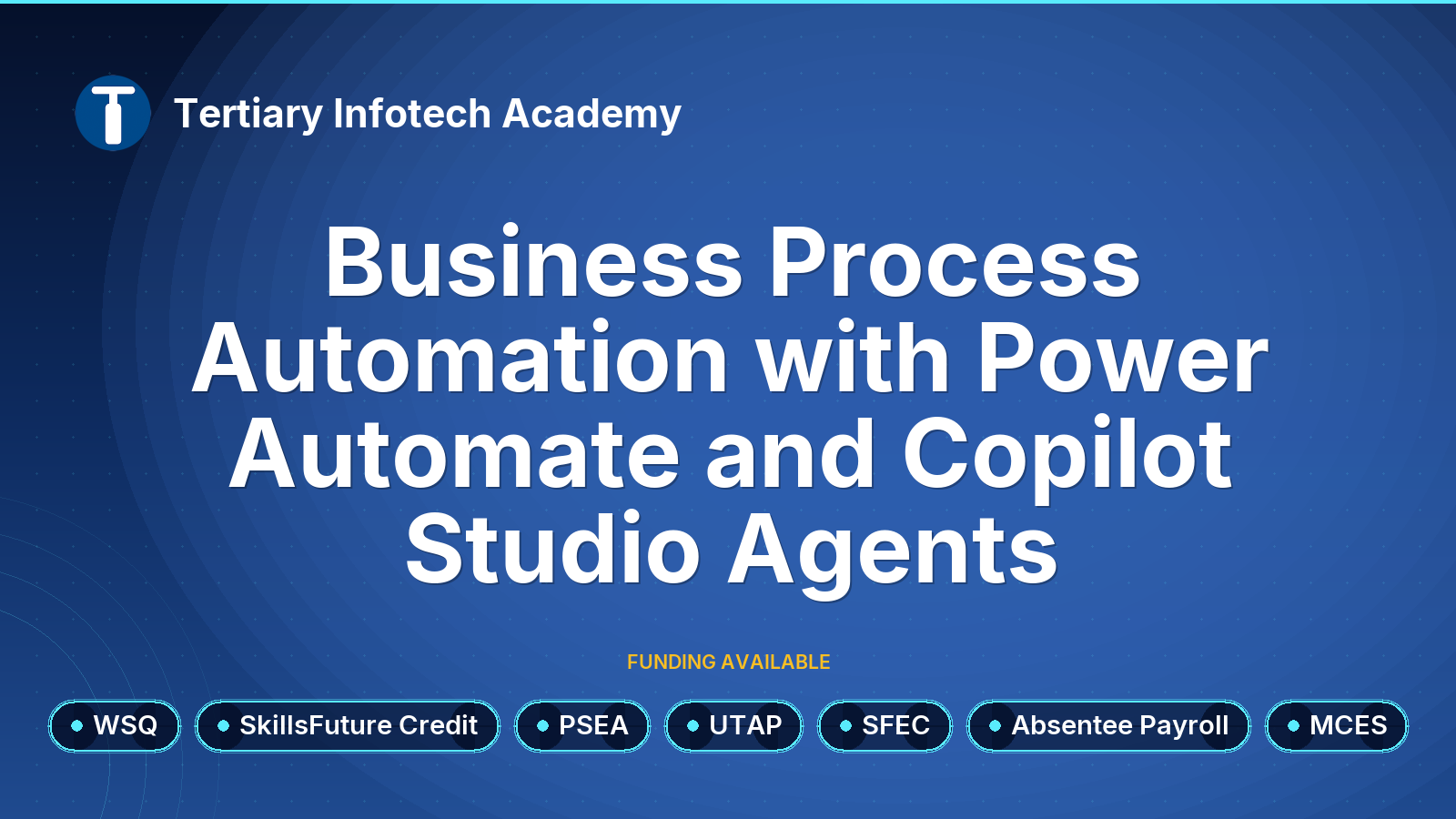
WSQ - Business Process Automation with Power Automate and Copilot Studio Agents
$750.00 (GST-exclusive)
$817.50
(GST-inclusive)
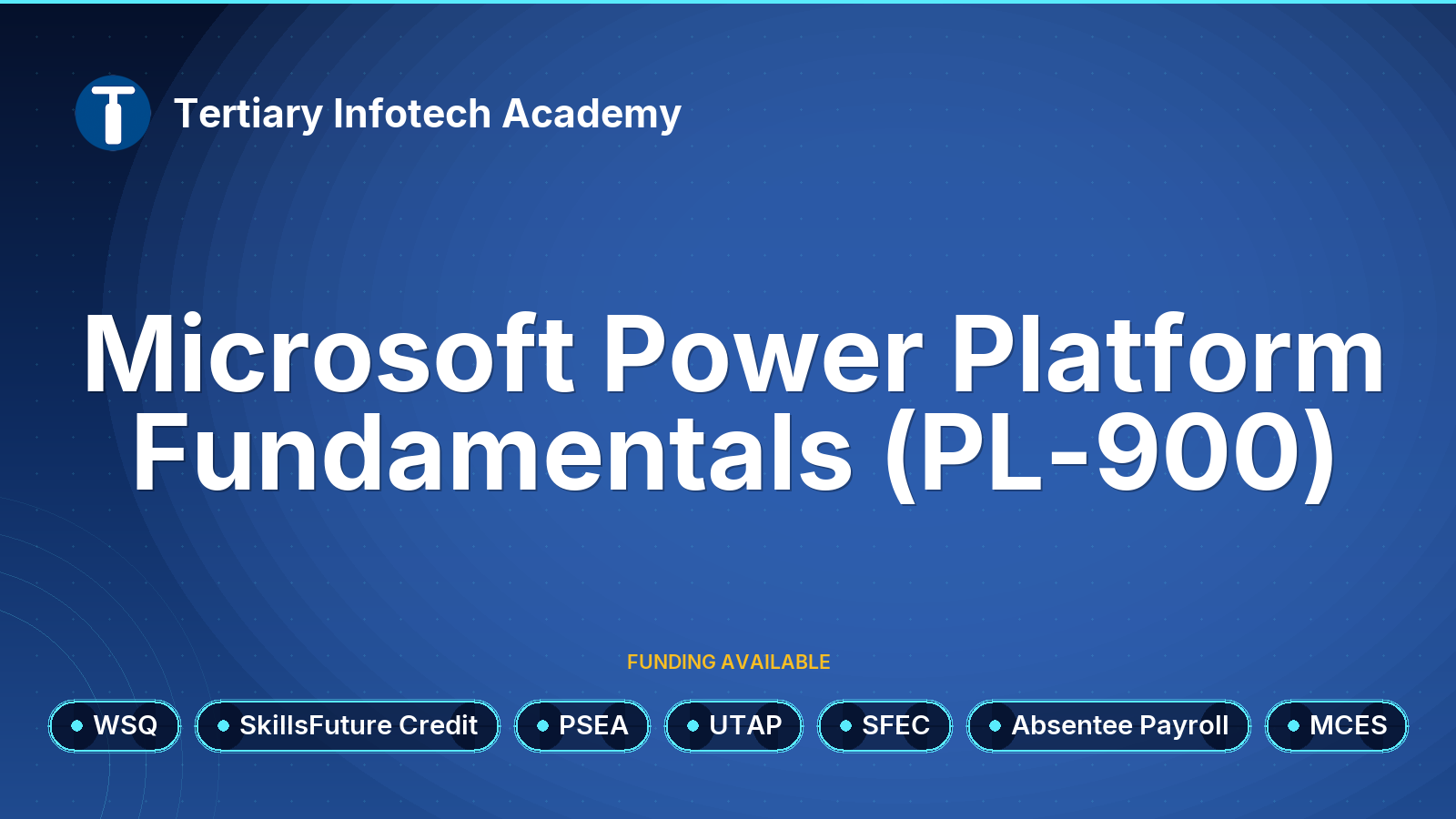
WSQ - Microsoft Power Platform Fundamentals (PL-900)
$800.00 (GST-exclusive)
$872.00
(GST-inclusive)
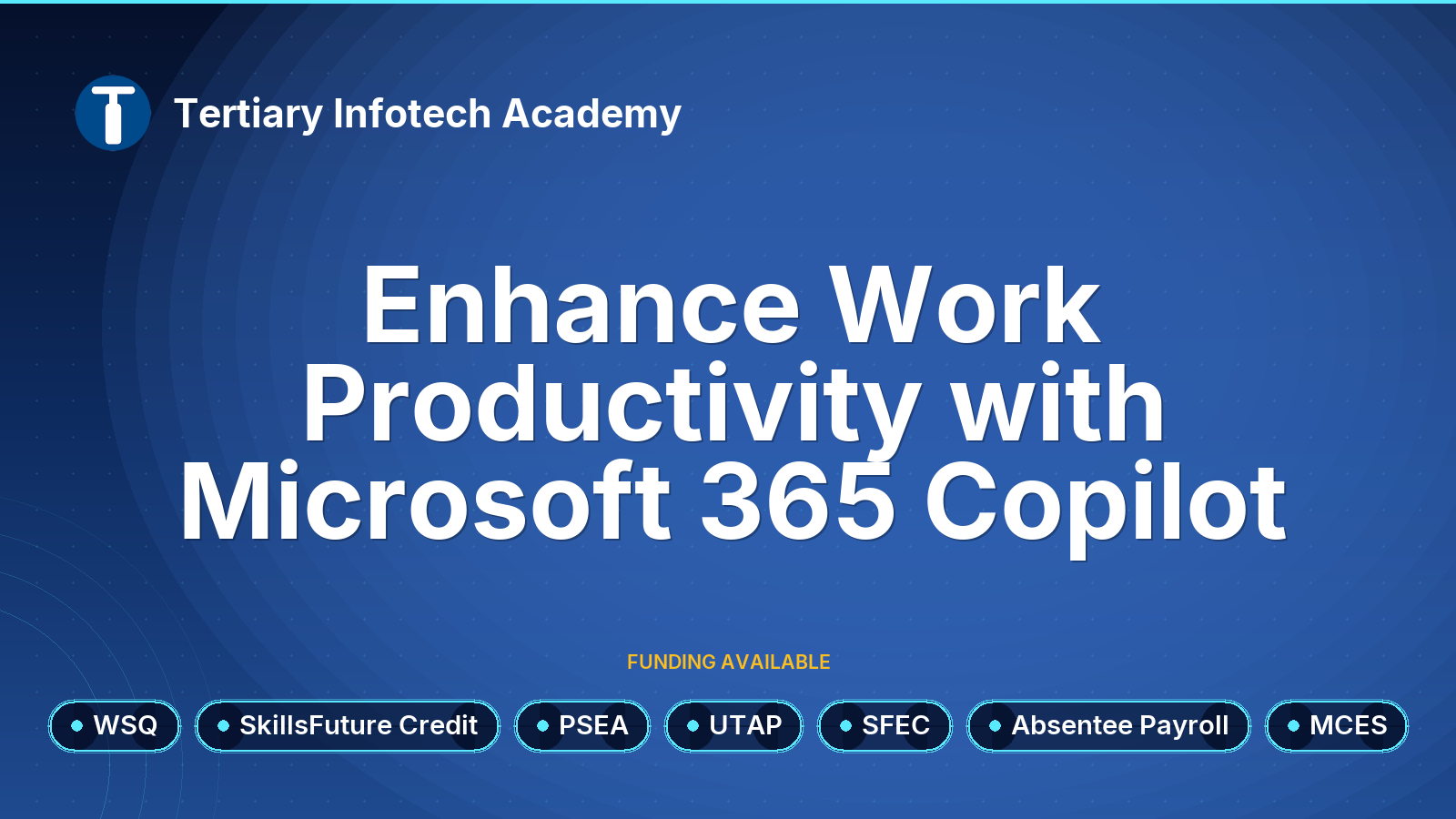
WSQ - Enhance Work Productivity with Microsoft 365 Copilot
$900.00 (GST-exclusive)
$981.00
(GST-inclusive)
