
You have no items in your shopping cart.
Blog / Agentic AI for Finance with IIA Ghana
Agentic AI for Finance with IIA Ghana
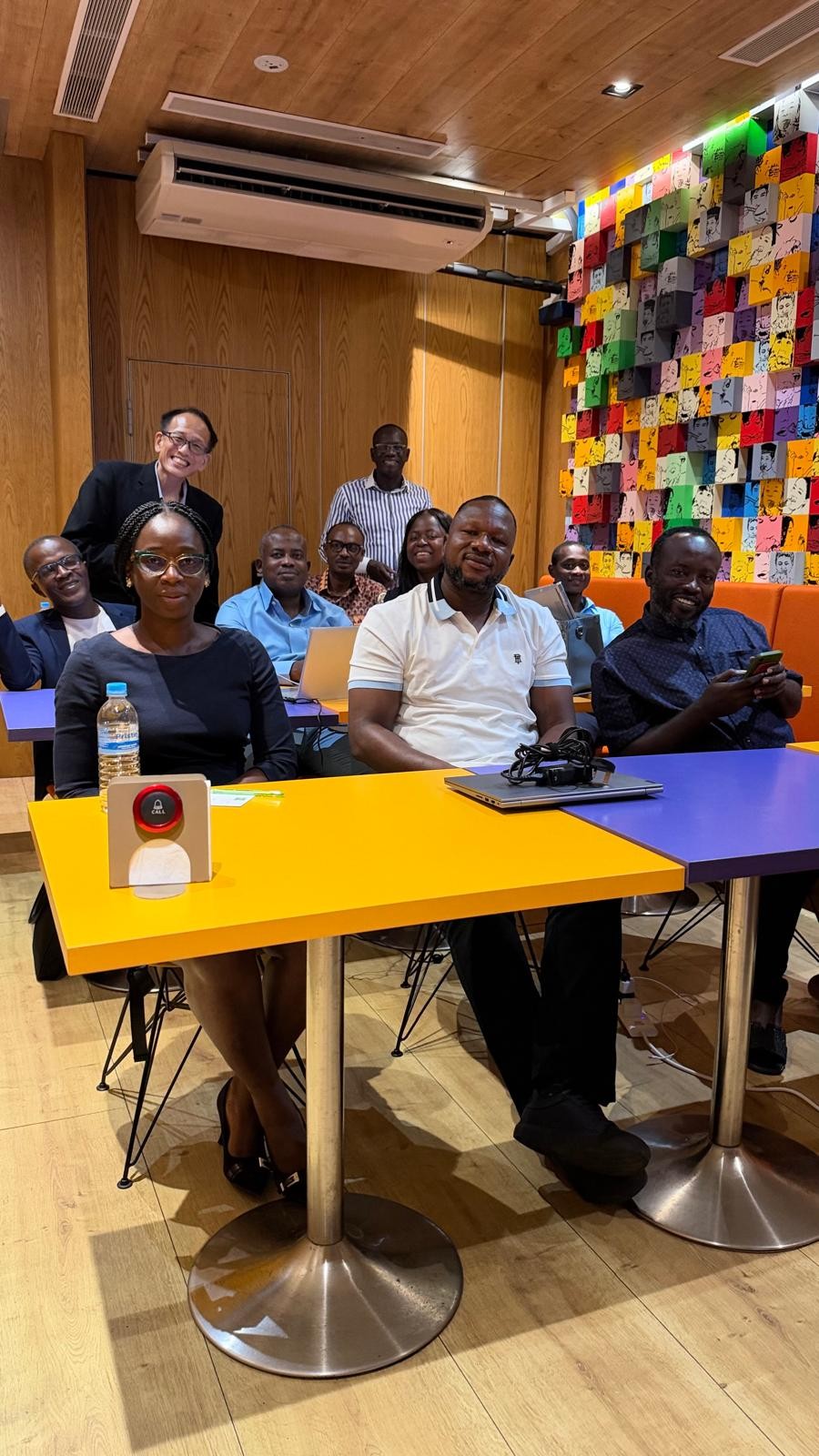
How do you turn a spreadsheet full of transactions into an audit finding that management can act on? Nine participants from the Institute of Internal Auditors Ghana (IIA Ghana) tackled that question in our Agentic AI for Finance workshop, led by Dr. Alfred Ang on . The training was tailored to the Ghanaian finance and internal audit context, with Microsoft 365 Copilot supporting three connected tasks in Excel, PowerPoint and Word.
4.7 out of 5 overall from nine workshop feedback responses. Participants rated the trainer’s subject knowledge 4.9 out of 5.
Build an interactive audit dashboard in Excel
The group used Copilot in Excel to build an interactive dashboard for reviewing financial data. In a Ghanaian audit scenario, a dashboard can show the number and value of flagged transactions in Ghanaian cedis (GHS), with filters for reporting period or department. An auditor can use those filters to see where exceptions cluster and trace a flagged item back to the source rows before drawing a conclusion.
Turn the dashboard into a PowerPoint briefing
Participants used Copilot in PowerPoint to turn the analysis into a presentation for management. A clear briefing starts with the finding, shows the chart that supports it and ends with the decision or follow-up needed. For example, a concentration of payment exceptions can prompt a targeted review of supporting records and approval controls.
Draft a Word report backed by evidence
The workshop also covered using Copilot in Word to draft an audit report. A report can carry forward the same evidence from the dashboard and briefing, then document the scope, findings, implications and recommended actions. Review the figures, references and conclusions against the source material before the report is circulated.
How the three outputs fit together
The Excel dashboard helps the auditor decide which exceptions to investigate. The PowerPoint briefing helps management understand the finding and decide how to respond. The Word report records the evidence and the actions for follow-up. Copilot helps prepare each output, while the auditor checks the evidence and signs off on the conclusions.
What participants said
“Excellent delivery”
“We have learnt a lot”
Participants scored how well the workshop met its learning objectives 4.7 out of 5 and the training environment 4.6 out of 5. One respondent described the training time as short.
Learn the Microsoft 365 Copilot workflow in Singapore
Our related Singapore course, WSQ – Enhance Work Productivity with Microsoft 365 Copilot (TGS-2024043856), teaches a connected workflow across Excel, Word, PowerPoint and Outlook. It includes building an interactive dashboard, preparing a management presentation and exploring Microsoft 365 Agent Builder.