Jyoti Chopra is an experienced AutoCAD instructor and design professional with extensive expertise in architectural design, furniture design, simulation, and 3D visualization. She has worked on projects involving technical drawing, space planning, and digital prototyping, helping learners and organizations develop skills in design documentation and visualization. Her teaching is grounded in industry-relevant experience, ensuring participants acquire both creativity and technical proficiency.
As a trainer, Jyoti has taught WSQ and professional courses in AutoCAD, graphic design, and 3D modeling, emphasizing practical application and portfolio-ready outputs. She leverages real-world case studies and design projects to help learners master AutoCAD tools and apply them to diverse industries. Her facilitation style encourages creativity, precision, and efficiency, enabling participants to confidently use design software for both academic and professional growth.
Course Details
Course Details
What You'll Learn
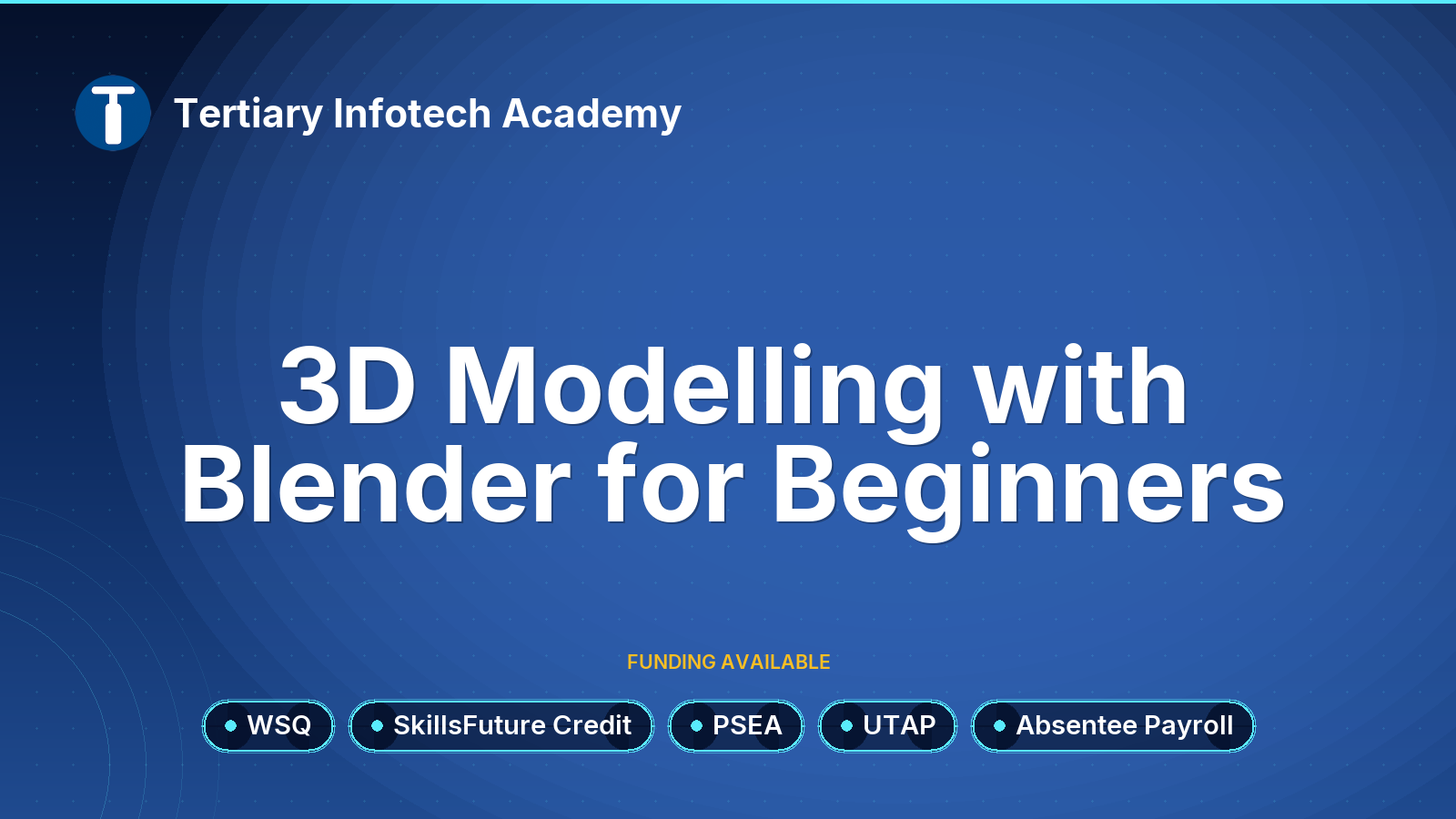
Topic 1: Get Started on 3D Modeling with Blender
Overview of Blender
User Interface and Editors of Blender
Object Mode and Tools
Topic 2: Sculpting and Modeling
Overview of Sculpting and Modeling
Sculpting Modes and Tools
Edit Mode and Modeling Tools
Topic 3: Texture and Shading
Materials and Texture
Shaders and UV
Topic 4: Animation and Simulation Demo
Animation and Keyframes Demo
Particle and Force Physics Simulation Demo
Lighting Demo
Eevee and Cycle Demo
Course Info
Promotion Code
Your will get 10% discount voucher for 2nd course onwards if you write us a Google review.
Minimum Entry Requirement
Knowledge and Skills
- Able to operate using computer functions
- Minimum 3 GCE ‘O’ Levels Passes including English or WPL Level 5 (Average of Reading, Listening, Speaking & Writing Scores)
Attitude
- Positive Learning Attitude
- Enthusiastic Learner
Experience
- Minimum of 1 year of working experience.
Target Age Group: 21-65 years old
Minimum Software/Hardware Requirement
Software:
You can download and install the following software:
Hardware: Windows and Mac Laptops
Job Roles
Job Roles
- 3D Artist
- Game Developer
- Animator
- VFX Artist
- Architectural Visualizer
- Character Designer
- Product Designer
- Environment Artist
- Concept Artist
- Motion Graphics Designer
- Film Producer (seeking VFX skills)
- Virtual Reality Developer
- Augmented Reality Developer
- Simulation Designer
- Video Editor (looking for 3D integration)
Trainers
Trainers
Review
Customer Reviews (38)
- Might Recommend Review by Course Participant/Trainee
-
Please specify more clearly the equipment one needs to bring to get the best out of the course. For instance, while the email notification specified to download the blender beforehand, it ought to have reminded the participants like me to bring a mouse as well, otherwise it would be extremely difficult to learn. (Posted on 6/8/2017)1. Do you find the course meet your expectation? 2. Do you find the trainer knowledgeable in this subject? 3. How do you find the training environment - good Review by Course Participant/Trainee
-
good for begineers (Posted on 10/26/2016)1. Do you find the course meet your expectation? 2. Do you find the trainer knowledgeable in this subject? 3. How do you find the training environment - Ok Review by Course Participant/Trainee
-
Ok (Posted on 10/26/2016)1. Do you find the course meet your expectation? 2. Do you find the trainer knowledgeable in this subject? 3. How do you find the training environment
Write Your Own Review
- Recommended Courses
- Related Courses