Course Information

  • Sessions 1 day
  • Duration 7.5 hrs
  • Level Beginner
  • Assessment NA

Venue

12 Woodlands Square #07-85/86/87 Woods Square Tower 1, Singapore 737715. 5 mins walk from Woodlands (NS9) MRT station.

The venue is disabled-friendly.

Download Course Brochure

Certification

  • Certificate of Completion from Tertiary Infotech - Upon meeting at least 75% attendance and passing the assessment(s), participants will receive a Certificate of Completion from Tertiary Infotech.

Blender Essential Training

Course Code: C140

What's This Course About

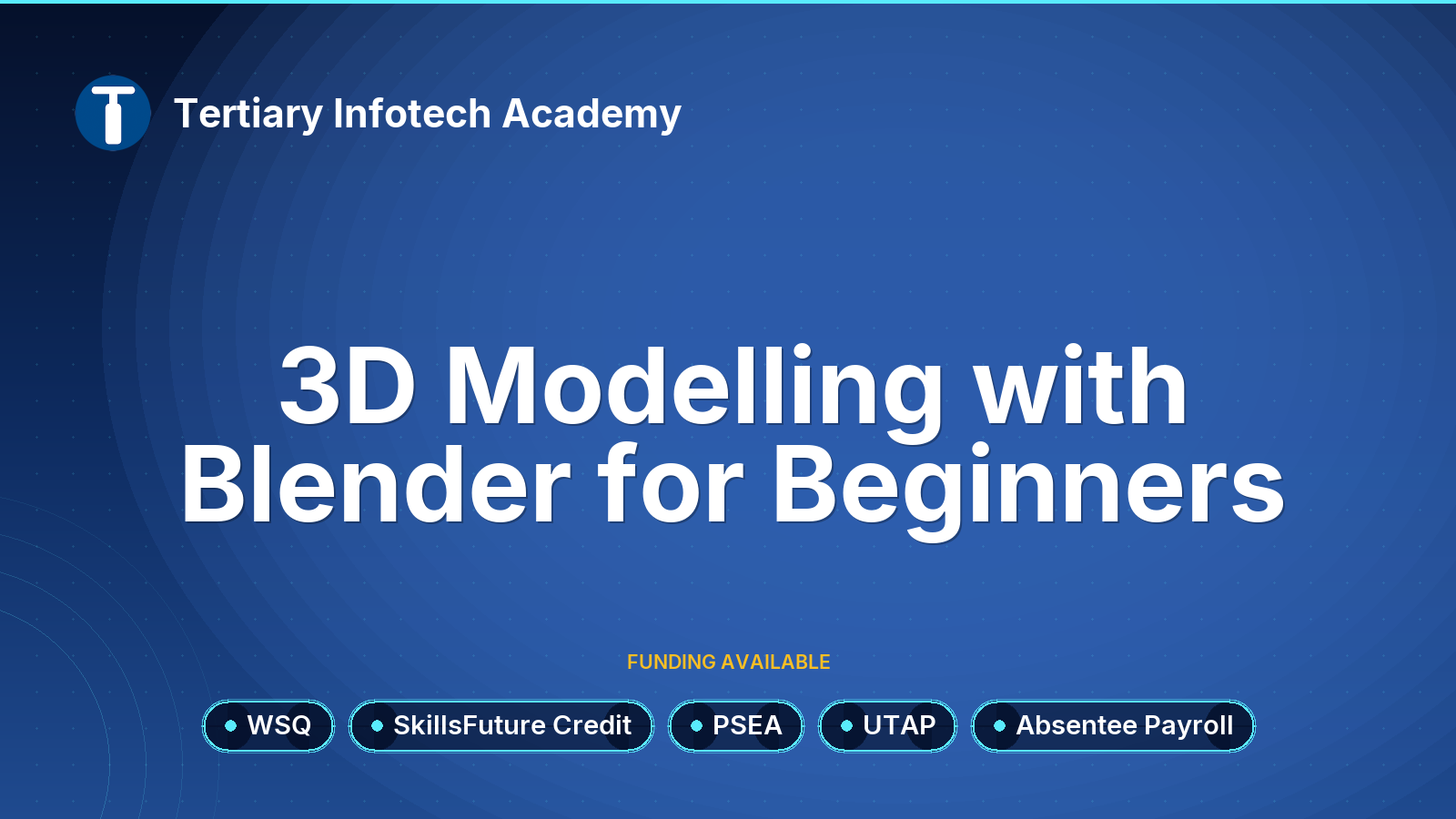
Step into the captivating realm of 3D design with our in-depth Blender Essential Training. Tailored for both novices and seasoned professionals, this course takes you on a meticulous journey through the multifaceted functionalities of Blender. From basic navigation in 3D space, object manipulations like selecting, rotating, and scaling, to intricate processes like creating mesh primitives, subdivisions, and complex creature designs, you'll acquire a holistic grasp of this powerful tool.

Beyond just modeling, the course delves deep into the world of textures, lighting, and animations. Discover the nuances of assigning glossy materials, creating realistic bump maps, and mastering lighting techniques such as sky, ambient, and the pivotal ambient occlusion. But the experience doesn't stop there; dive into animation editing using the Graph Editor and breathe life into characters with comprehensive animation techniques. By the culmination of this training, you'll be adept at sculpting, animating, and rendering in Blender, propelling your 3D design capabilities to professional heights.

Funding Options

No funding is available for this course.

For WSQ funding, please checkout the details at WSQ - 3D Modelling with Blender for Beginners

Course Fee

$350.00 (GST-exclusive)
$381.50 (GST-inclusive)

Course Date

* Required Fields

Additional Note

Please bring your own laptop for hands-on training. If you don't have laptop, we can provide spare laptop for training use.

Post-Course Support

  • We provide free consultation related to the subject matter after the course.
  • Please email your queries to enquiry@tertiaryinfotech.com and we will forward your queries to the subject matter experts.

Cancellation & Reschedule Policy

  • You can register your interest without upfront payment. There is no penalty for withdrawal of the course before the class commences.
  • We reserve the right to cancel or re-schedule the course due to unforeseen circumstances. If the course is cancelled, we will refund 100% for any paid amount.
  • Note the venue of the training is subject to changes due to availability of the classroom.

Course Details

Course Details

What You'll Learn

Topic 1: Get Started on 3D Modeling with Blender

Overview of Blender

User Interface and Editors of Blender

Object Mode and Tools

Topic 2: Sculpting and Modeling

Overview of Sculpting and Modeling

Sculpting Modes and Tools

Edit Mode and Modeling Tools

Topic 3: Texture and Shading

Materials and Texture

Shaders and UV

Topic 4: Animation and Simulation Demo

Animation and Keyframes Demo

Particle and Force Physics Simulation Demo

Lighting Demo

Eevee and Cycle Demo

Course Info

Promotion Code

Your will get 10% discount voucher for 2nd course onwards if you write us a Google review.

Minimum Entry Requirement

Knowledge and Skills

  • Able to operate using computer functions
  • Minimum 3 GCE ‘O’ Levels Passes including English or WPL Level 5 (Average of Reading, Listening, Speaking & Writing Scores)

Attitude

  • Positive Learning Attitude
  • Enthusiastic Learner

Experience

  • Minimum of 1 year of working experience.

Target Age Group: 21-65 years old

Minimum Software/Hardware Requirement

Software:

You can download and install the following software:

Hardware: Windows and Mac Laptops

Job Roles

Job Roles

  • 3D Artist
  • Game Developer
  • Animator
  • VFX Artist
  • Architectural Visualizer
  • Character Designer
  • Product Designer
  • Environment Artist
  • Concept Artist
  • Motion Graphics Designer
  • Film Producer (seeking VFX skills)
  • Virtual Reality Developer
  • Augmented Reality Developer
  • Simulation Designer
  • Video Editor (looking for 3D integration)

Trainers

Trainers

Jyoti Chopra

Jyoti Chopra is an experienced AutoCAD instructor and design professional with extensive expertise in architectural design, furniture design, simulation, and 3D visualization. She has worked on projects involving technical drawing, space planning, and digital prototyping, helping learners and organizations develop skills in design documentation and visualization. Her teaching is grounded in industry-relevant experience, ensuring participants acquire both creativity and technical proficiency.

As a trainer, Jyoti has taught WSQ and professional courses in AutoCAD, graphic design, and 3D modeling, emphasizing practical application and portfolio-ready outputs. She leverages real-world case studies and design projects to help learners master AutoCAD tools and apply them to diverse industries. Her facilitation style encourages creativity, precision, and efficiency, enabling participants to confidently use design software for both academic and professional growth.
Review

Customer Reviews (38)

Will Recommend Review by Course Participant/Trainee
1. Do you find the course meet your expectation?
2. Do you find the trainer knowledgeable in this subject?
3. How do you find the training environment
1 day too short to learn such a heavy program. (Posted on 9/10/2018)
Will Recommend Review by Course Participant/Trainee
1. Do you find the course meet your expectation?
2. Do you find the trainer knowledgeable in this subject?
3. How do you find the training environment
Better notes and handouts. (Posted on 9/6/2018)
Will Recommend Review by Course Participant/Trainee
1. Do you find the course meet your expectation?
2. Do you find the trainer knowledgeable in this subject?
3. How do you find the training environment
The trainer (Ms Eve Tan) is patience and helpful trainer. Keep up the good work. (Posted on 9/6/2018)
Will Recommend Review by Course Participant/Trainee
1. Do you find the course meet your expectation?
2. Do you find the trainer knowledgeable in this subject?
3. How do you find the training environment
Provide step by step guide during modeling. So in the event if student could not catch up, they can refer and do it on their own time.

Overall experience was good. Sufficient information were given to start a small modeling project. Can consider to touch a bit on animation. (Posted on 9/6/2018)
Might Recommend Review by Course Participant/Trainee
1. Do you find the course meet your expectation?
2. Do you find the trainer knowledgeable in this subject?
3. How do you find the training environment
Bil (Posted on 5/16/2018)

Items 31 to 35 of 38 total

per page
Page:
  1. 1
  2. ...
  3. 4
  4. 5
  5. 6
  6. 7
  7. 8

Write Your Own Review

You're reviewing: Blender Essential Training

How do you rate this product? *

  1 star 2 stars 3 stars 4 stars 5 stars
1. Do you find the course meet your expectation?
2. Do you find the trainer knowledgeable in this subject?
3. How do you find the training environment